Blog
January 25, 2026
Automating the Design System: The End of the Manual Handoff

Reut Leibovich Blat
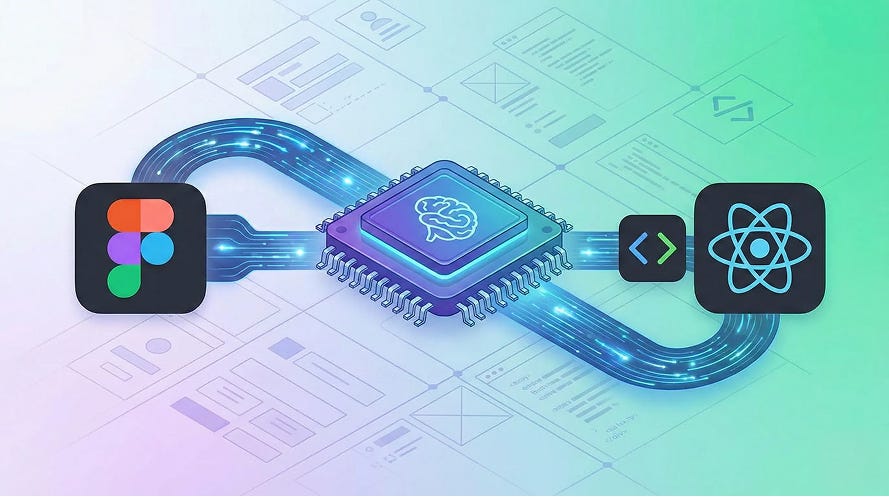
In this post, Reut Leibovich Blat, Solid’s Senior Product Designer, demonstrates how to eliminate the manual handoff between our Product Designers and Front-end Engineers.
I want to share a recent internal hackathon project that tackled a persistent friction point in product development: the disconnect between design and code.
The Bottleneck
We all know the theory behind a design system. It is the agreed-upon standard for consistency. It reduces technical debt and saves developer time by ensuring that once a component is built, it is reused rather than rebuilt. In a perfect world, the design system in Figma matches the code in the repository exactly.
But in reality, maintaining this synchronization is difficult. The process often involves a manual handoff where frontend developers must interpret design files and manually write the code to match pixel-perfect specifications. This repetition is inefficient and prone to human error.
During our recent hackathon, we asked a simple question: Can we use AI agents to automate the translation from design to code entirely? YES! Where there is a tedious, high-friction problem, there is now a solution in AI.
Turning Hours into Minutes
Our initial estimates suggest this workflow can reduce the time spent on UI implementation by nearly 50%, effectively turning hours of manual back-and-forth into a process that takes just minutes. This shift allows our engineers to stop acting as “translators” for pixels and start focusing on the architectural logic that actually drives the product forward.
New Flow - Step by Step
Step 1: The Integration
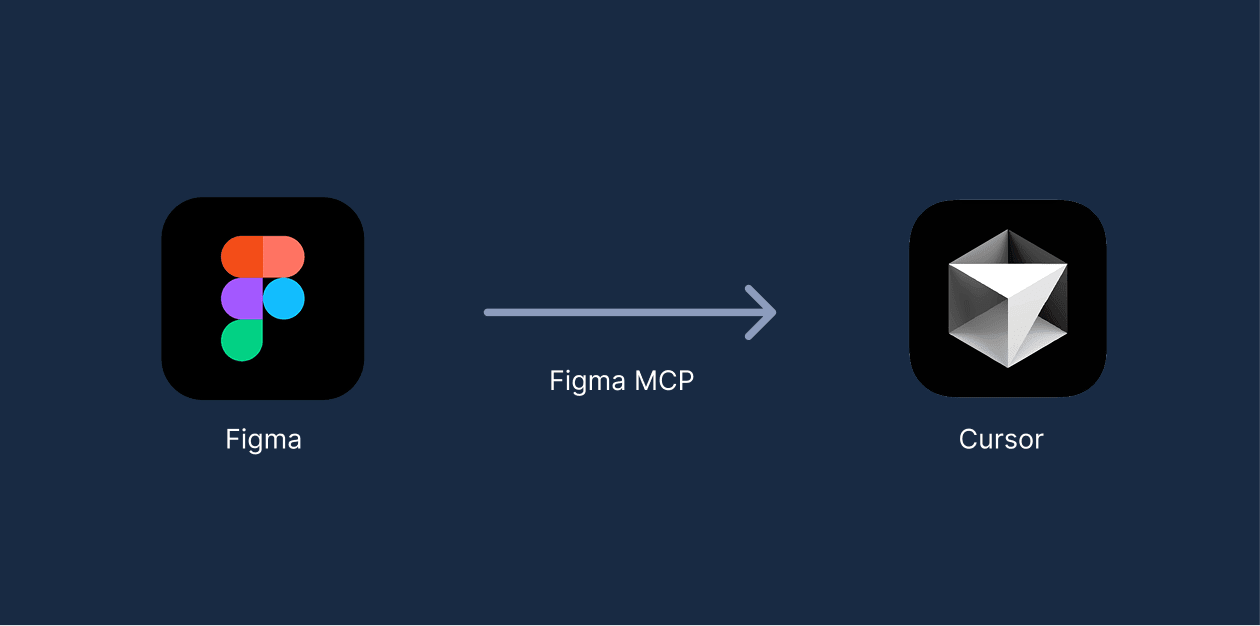
First, we established a direct link between our design source and our coding environment. We connected Figma to Cursor using the Figma Model Context Protocol (MCP). This allowed the AI to read the properties of our design files directly.
Step 2: Start with a simple component
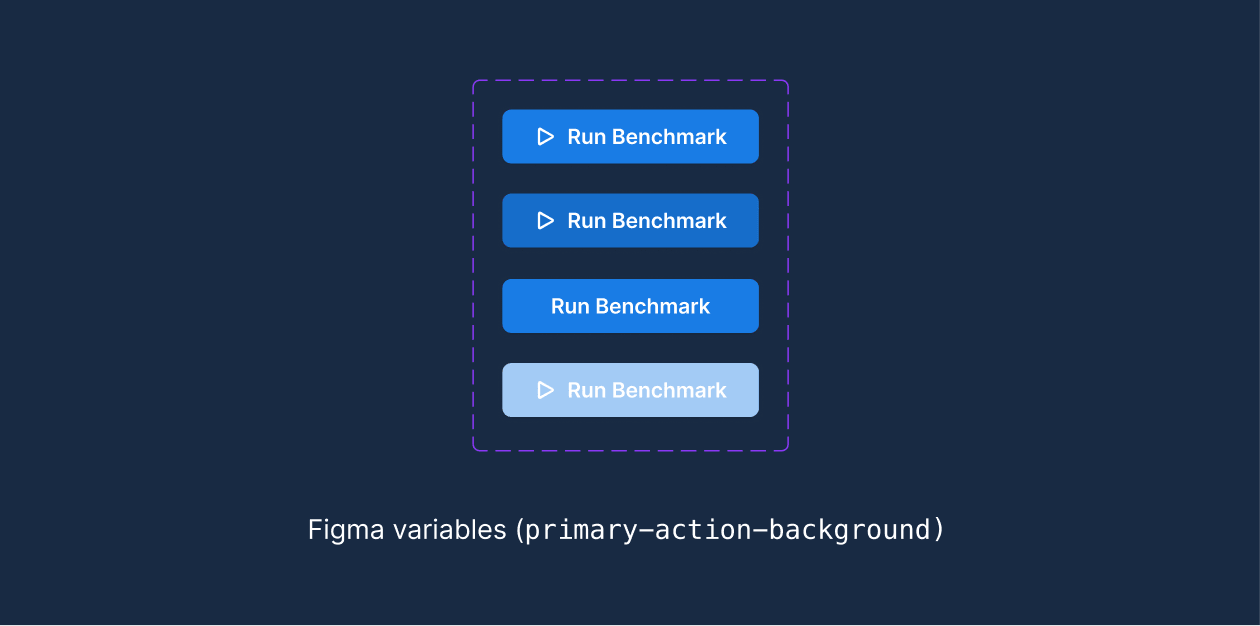
We started with the fundamentals by creating a “Main Action Button” as our base unit in Figma. Crucially, this wasn’t just a visual mock-up. We deliberately structured the component using Figma variables for every property - colors, padding, typography.
Instead of hardcoding raw hex values (e.g., #0057FF), we assigned semantic variables (e.g., primary-action-background). This step was vital for the integration. It ensured that when the AI accessed the design, it read structured, semantic data rather than raw pixels. This preparation allows the AI to generate clean code that maps directly to our established design tokens, rather than creating messy, hardcoded styles.
Step 3: Connect Cursor to Figma MCP
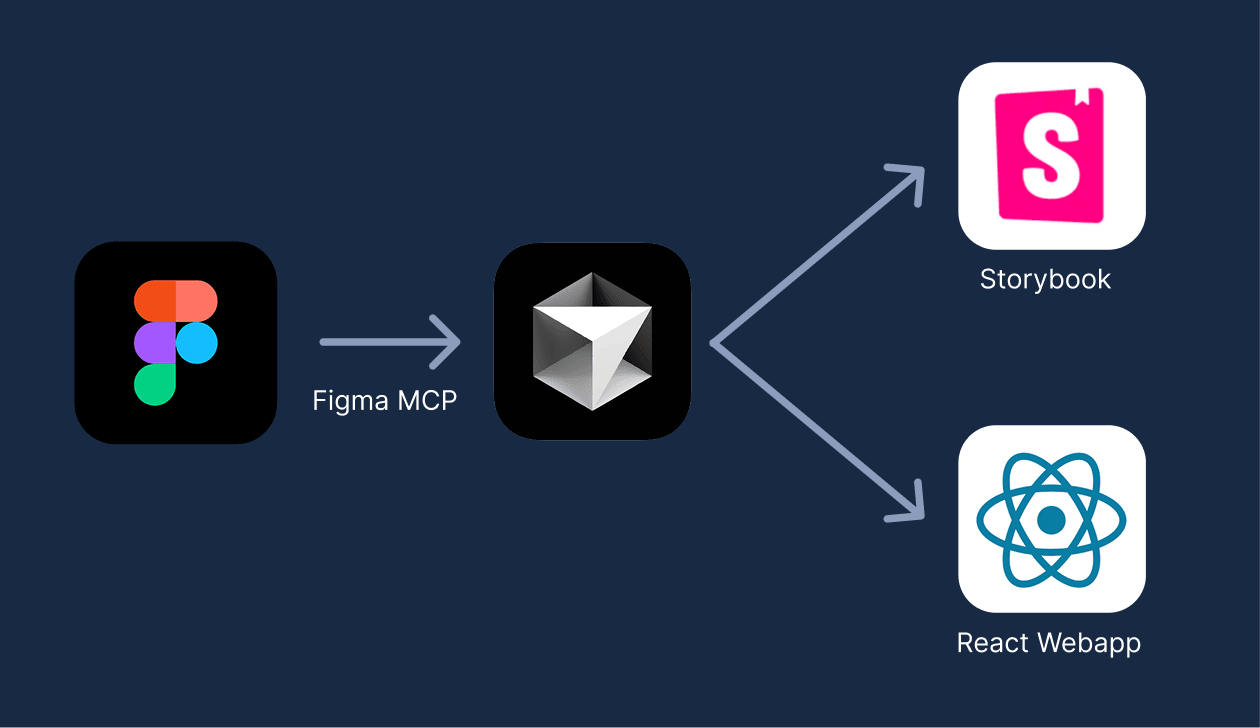
We then connected the Cursor IDE with the Figma MCP. Instead of a developer looking at Figma and typing out CSS and React code, Cursor pulled the component data directly. It generated the code automatically and immediately presented the working component in Storybook.
This step alone was significant. 🎉 It demonstrated that the initial construction of UI elements could be handled without manual intervention.
Step 4: The AI Agent
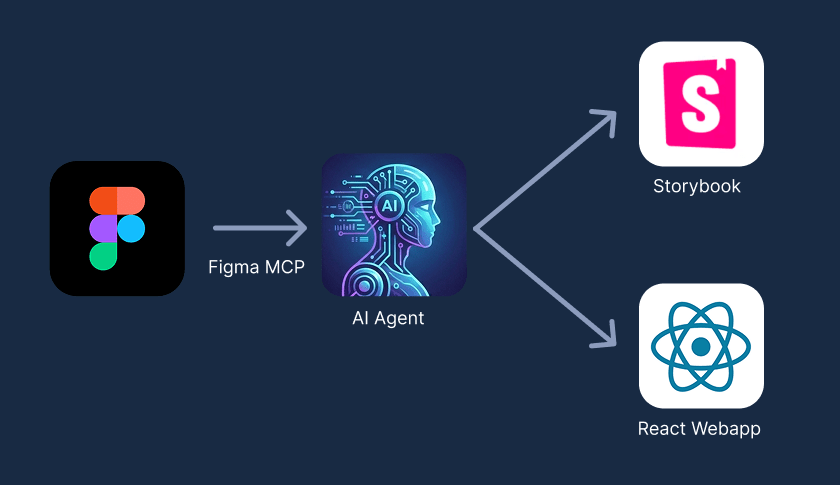
The true breakthrough came in the final step. We didn’t just want to generate code; we wanted to maintain a system.
We created a custom AI agent within Cursor. Its role was to analyze any new, complex component we designed. Before generating code, the agent performed a logic check:
- It scanned the new design.
- It cross-referenced our existing code base.
- It identified if parts of the new design (like the Main Action Button) already existed in the system.
If a sub-component existed, the agent imported it. If it did not, the agent built it from scratch.
The Next Step
The implications for efficiency are clear. Frontend developers can stop focusing on the repetitive task of translating pixels into code. Instead, they can focus on logic, architecture, and user experience.
By letting AI handle the synchronization between Figma and the codebase, we turn the design system from a maintenance burden into an automatic, self-sustaining asset.
Other posts