Blog
October 20, 2026
Beyond Chat: What Are AI Agents Actually Doing in the Enterprise?

Allison Parlett
Marketing Associate
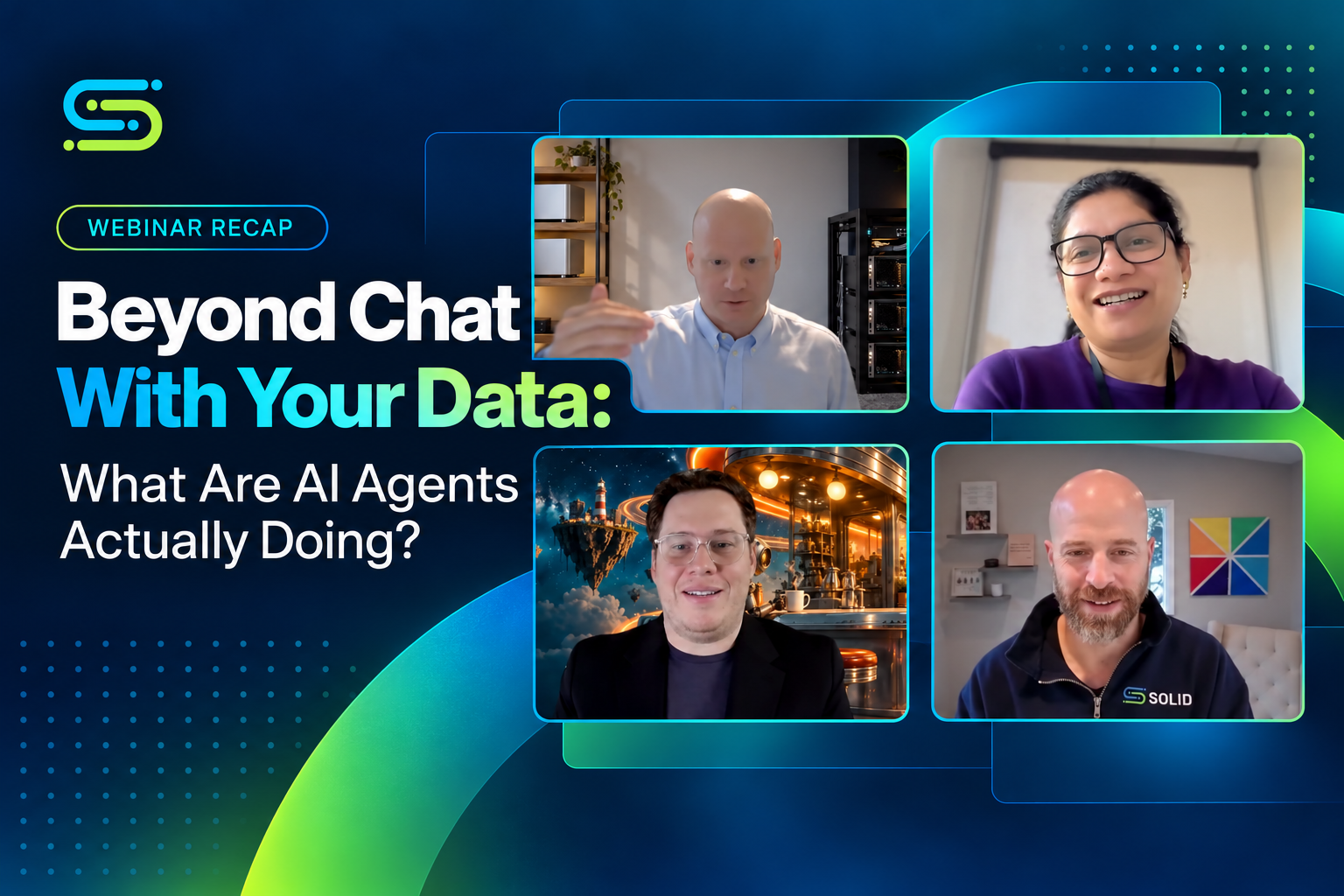
Real examples from SurveyMonkey, Blossom ABA Therapy, and enterprise AI leaders on how AI agents are being used, what's working, and what businesses should consider before giving them more responsibility.
Everyone is talking about AI agents. But how many enterprises are actually putting them to work beyond chatbots and demos?
At SurveyMonkey, an AI agent is helping customer success teams prioritize accounts using information from nine different systems. At Blossom ABA Therapy, an agent is helping coordinate employee onboarding. And in sales forecasting, agents are making it easier to identify deals that need attention.
These are some of the examples shared during Solid's recent webinar, Beyond Chat With Your Data: What Are AI Agents Actually Doing?
Yoni Leitersdorf, CEO and Co-Founder of Solid, spoke with three enterprise leaders:
- Meenal Iyer, SVP of Data and Enterprise AI at SurveyMonkey
- Corey Mack, COO and CSO at Blossom ABA Therapy
- Fredrik Lindstrom, AI and Cybersecurity Advisor
They discussed what's working, where agents still need human involvement, and what companies should consider before giving them more responsibility.
What Are AI Agents Actually Doing in Business?
A chatbot typically responds to a question. An AI agent can go further by gathering information, following a process, recommending next steps, or completing certain tasks.
For example, instead of asking AI to summarize customer activity, an agent could review account information, identify customers who may need attention, and help a Customer Success Manager prepare for their next conversation.
The value comes from helping employees use that information to make decisions and get work done.
Here are three examples shared during the webinar.
1. SurveyMonkey: Helping Customer Success Teams Prioritize the Right Accounts
At SurveyMonkey, Customer Success Managers (CSMs) previously had to review information across nine different systems before speaking with a customer.
That meant gathering account details, reviewing product activity, identifying potential issues, and deciding who needed attention first.
For newer CSMs, it could be especially difficult to know what to look for or how to approach a customer.
Meenal shared how SurveyMonkey developed Nexus, an AI agent that brings this information together.
Working with Solid, SurveyMonkey built the business context connecting data across those nine systems, helping Nexus interpret the information and provide recommendations.
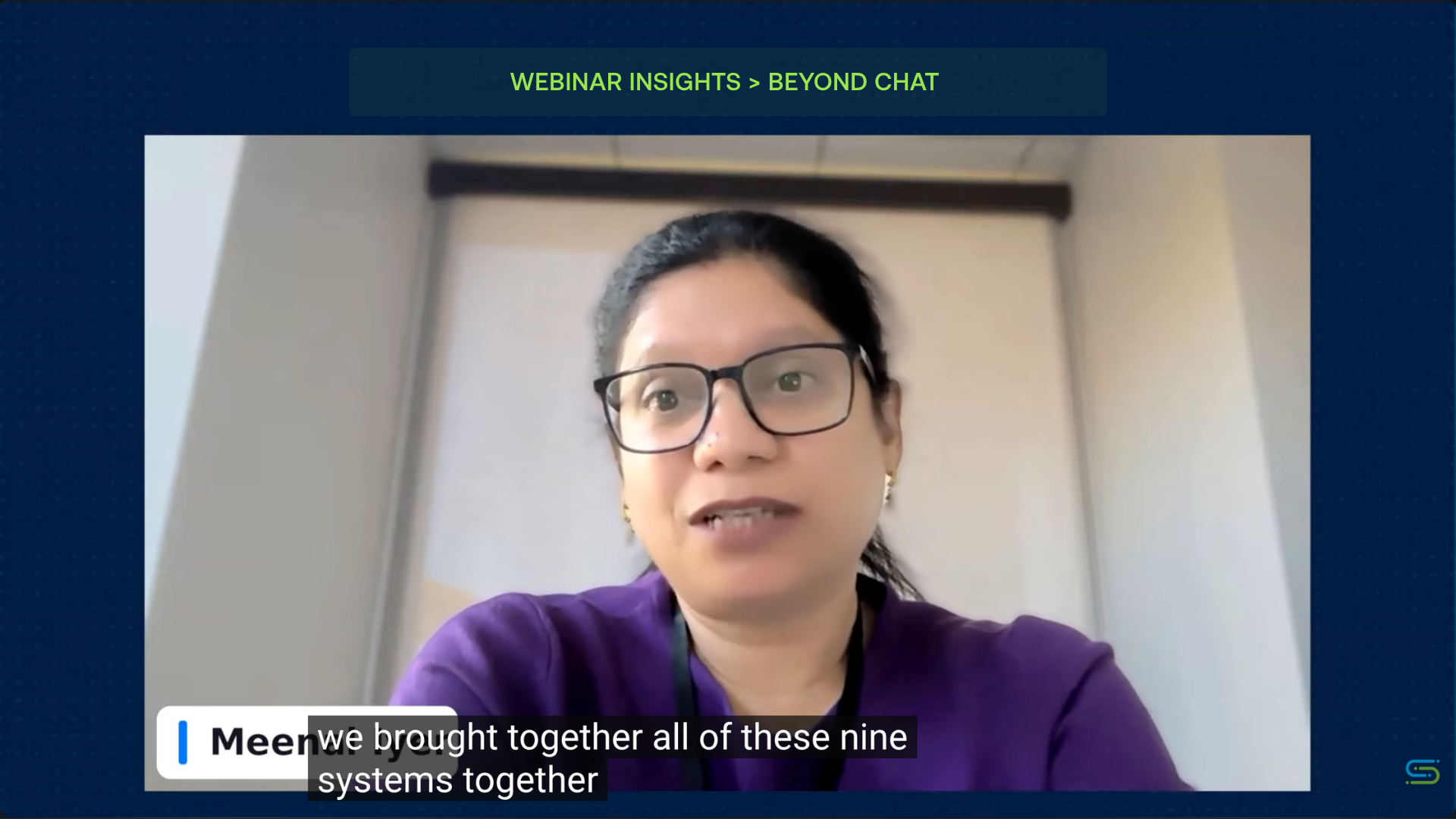
Meenal Iyer shares how SurveyMonkey worked with Solid to connect data across nine systems and support its customer success team. Watch the full webinar.
What Nexus helps teams do
- Identify at-risk accounts: Find customers who may be struggling or showing signs they might not renew.
- Understand customer activity: Recognize issues during onboarding or product usage.
- Consider outside factors: Surface relevant information about layoffs, budget cuts, or other changes affecting customers.
- Prioritize outreach: Help CSMs decide which accounts need attention first.
- Recommend next steps: Use playbooks from experienced CSMs to guide customer conversations.
Nexus works through Slack, where the team already communicates, with access to Salesforce when needed.
Instead of spending time searching through systems, CSMs can review the information and decide what to do next.
Why it matters
Meenal explained that Nexus helped Customer Success Managers reach accounts that previously received little attention and connect with customers more frequently.
Instead of spending time gathering information from different systems, CSMs could focus on which customers needed support and how to approach those conversations.
Newer employees also benefited from guidance based on the experience of more established CSMs.
The improvement wasn't just about reducing manual work. It helped the team spend more time supporting customers.
2. Blossom ABA Therapy: Improving Employee Onboarding
Employee onboarding involves a lot of moving parts.
New hires need access to the right systems, equipment, accounts, and instructions. HR teams also need to coordinate with managers, IT, and outside vendors.
When those steps are handled manually, things can get missed.
Corey shared how Blossom ABA Therapy introduced an AI agent to help manage its onboarding process after experiencing a gap in HR staffing.
What the onboarding agent handles
- Reviews information submitted by hiring managers.
- Identifies the system access needed for each employee's department.
- Coordinates requests with vendors for equipment and accounts.
- Sends reminders and updates to managers.
- Helps track what needs to happen before an employee starts.
The agent handles much of the administrative work, but people still review and approve important steps.
Because Blossom operates in healthcare, Corey explained that the company currently keeps the agent out of sensitive electronic medical record (EMR) systems containing protected health information (PHI).
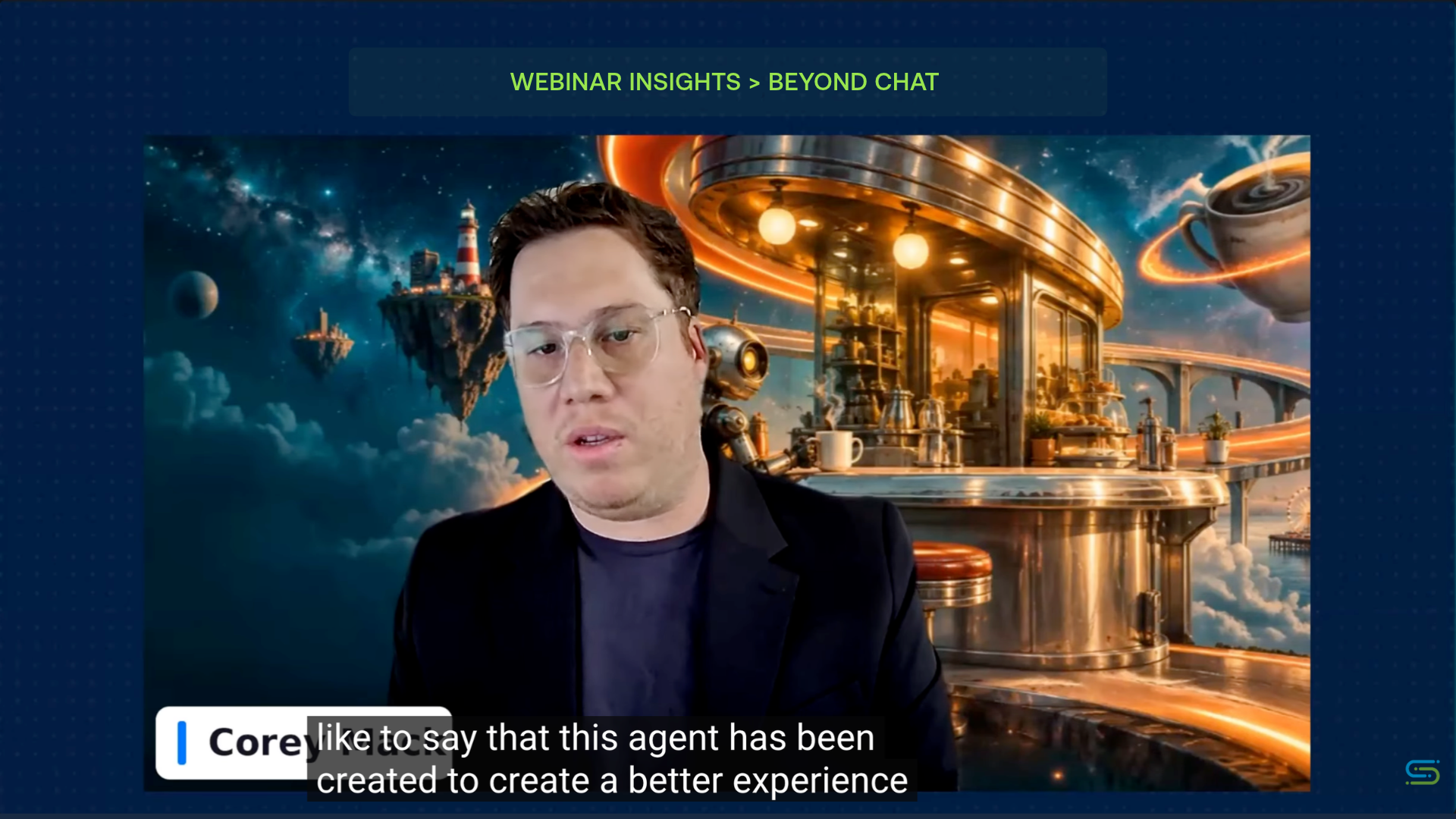
Corey Mack of Blossom ABA Therapy explains how its onboarding agent helps create a better experience for new employees. Watch the full webinar.
Why it matters
Blossom's broader hiring operations can involve approximately 50 to 100 new employees per month. Corey discussed plans to expand the agent's responsibilities as the company continues testing it.
His focus was on making onboarding more consistent so employees aren't starting their first day without equipment, system access, or clear instructions.
An agent that helps prevent missed steps can improve the experience for new employees and the people supporting them.
It also shows how automation and human involvement can work together. The agent manages routine tasks while employees remain responsible for approvals and sensitive decisions.
3. Sales Forecasting: Making Information Easier to Access and Act On
Sales teams often rely on spreadsheets to track deals, review forecasts, and identify opportunities that need attention.
But when information comes from multiple systems, keeping those spreadsheets updated can become another task on its own.
Fredrik shared an example of a forecasting process that originally combined information from six data sources into an Excel file.
The goal was to automate the process and make the information more reliable.
Instead of searching for the latest spreadsheet or asking colleagues for updates, employees could check deal information through Microsoft Teams.
What changed
- Teams could access current deal information more easily.
- Employees spent less time looking for updated files.
- At-risk deals became easier to identify.
- Teams could discuss issues and prepare action plans sooner.
Why it matters
Fredrik's example showed that improving the forecasting process wasn't just about producing more accurate reports.
It gave employees easier access to information they could use to identify at-risk deals and respond sooner.
The value came from helping teams act on the information, not simply automating another report.
How Much Responsibility Should Businesses Give AI Agents?
One of the most useful discussions during the webinar focused on how much AI agents should be allowed to do without human approval.
Meenal Iyer shared how SurveyMonkey evaluates whether an agent is ready for more responsibility. Rather than allowing agents to operate independently right away, her team looks at four areas.
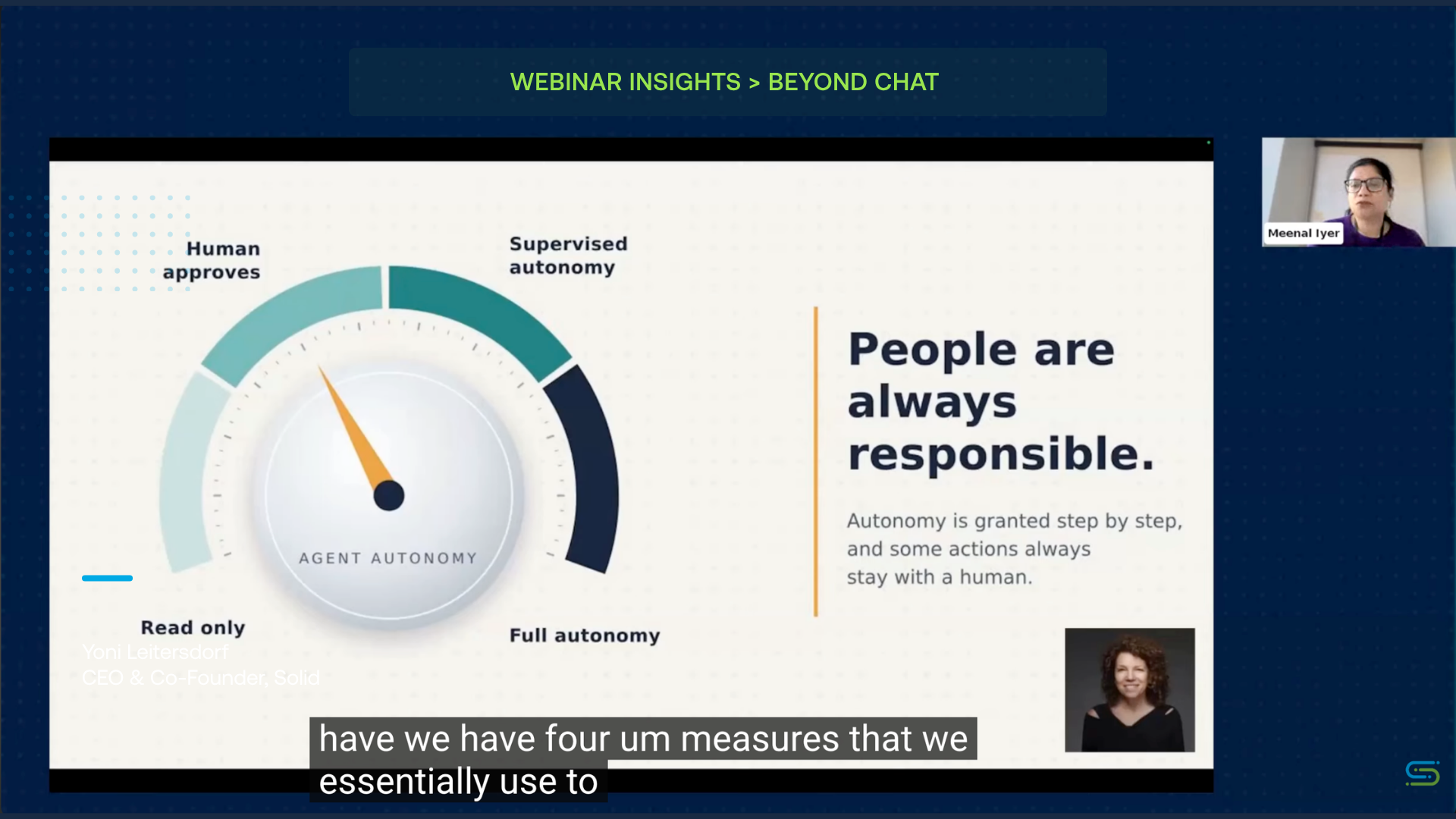
Meenal Iyer of SurveyMonkey explains how her team evaluates AI agent autonomy. Watch the full webinar.
Four things to evaluate before increasing autonomy
- Accuracy: Is the agent making the right decisions? Teams need to measure its accuracy and understand the impact of mistakes.
- Human involvement: How often does someone need to review or correct its work? Frequent intervention may mean the agent isn't ready for more independence.
- Rules and permissions: Does the agent follow company policies, respect access restrictions, and stay within its approved responsibilities?
- Reliability: Can the agent perform consistently over time? The level of reliability required depends on the task and its risks.
An agent sending routine reminders doesn't carry the same level of risk as one involved in financial or legal decisions.
Meenal explained that SurveyMonkey currently uses human oversight and some supervised autonomy. Its agents haven't reached full autonomy.
How much responsibility an agent receives should depend on its performance and the risks involved.
Why Starting Small Is Often the Better Approach
The panelists discussed why starting with a specific task is generally more manageable than building an agent responsible for several unrelated processes.
For example, a company could start with an agent that identifies customers who haven't used a product recently.
Once the agent consistently identifies the right accounts, the team could expand its responsibilities to recommend outreach or prepare follow-up communications.
Starting with a smaller use case makes it easier to:
- Test whether the agent produces accurate results.
- Understand where mistakes happen.
- Measure improvements in the process.
- Set clear rules for what it can access and change.
- Make adjustments without affecting other business operations.
Fredrik emphasized that companies need to build trust through testing before giving agents more responsibility.
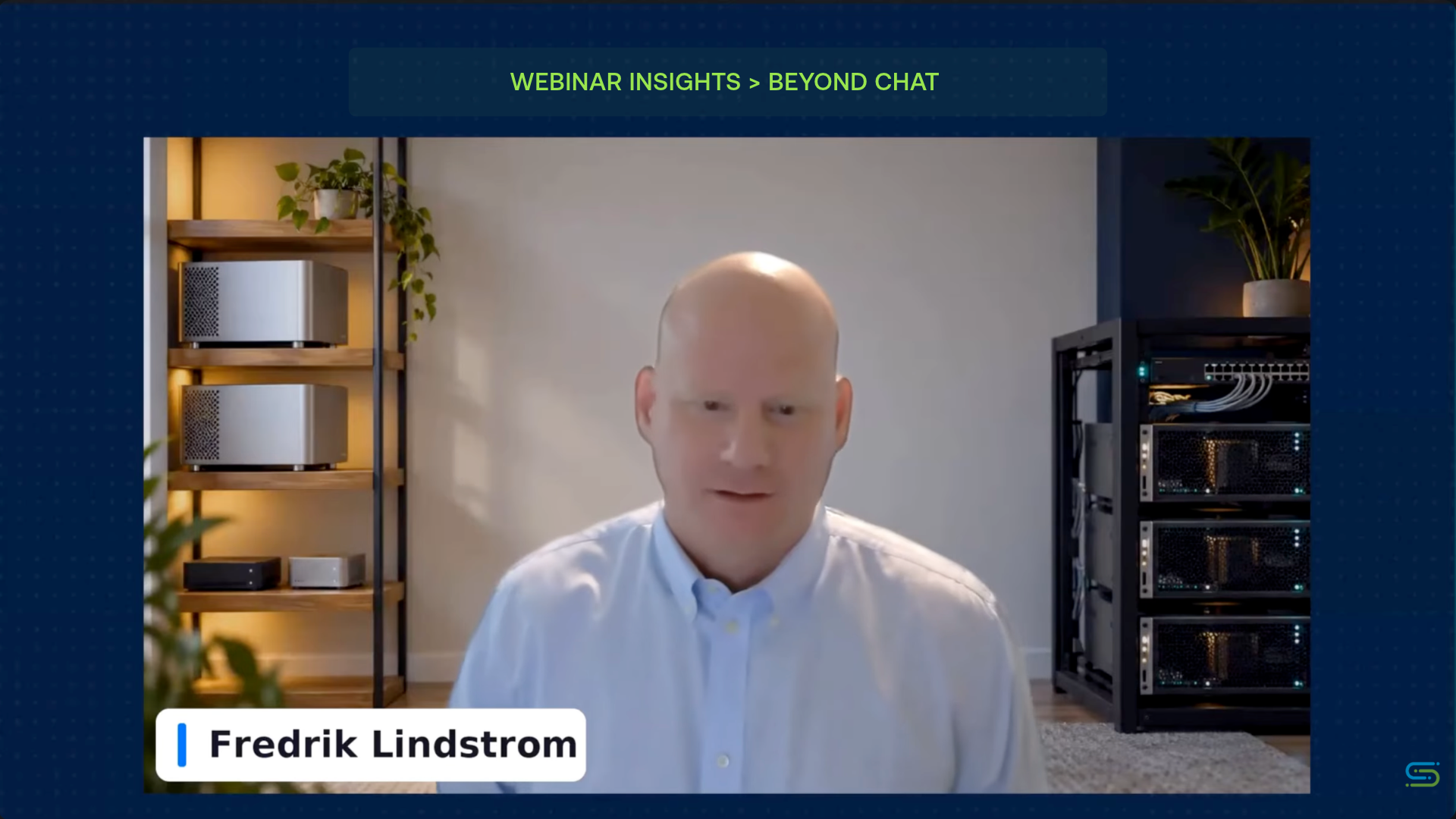
Fredrik Lindstrom explains why AI agents need to be tested and monitored before taking on more responsibility. Watch the full webinar.
Corey also shared an example of an internal birthday celebration agent that generated hundreds of unexpected notifications.
It was a relatively small mistake, but it showed what can happen when an agent isn't properly tested or given clear limits.
In areas like finance, HR, or healthcare, similar mistakes could have much bigger consequences.
Start with a problem you can clearly define, test, and measure before expanding what the agent can do.
Who Is Responsible When an AI Agent Gets Something Wrong?
Another important discussion during the webinar was accountability.
If an agent makes a mistake, who's responsible?
The person building the agent may not be the person using it. And the employee relying on its output may not understand everything happening behind the scenes.
The panel discussed why responsibility needs to be shared between the technical teams building the agents and the business teams using them.
Technical teams need to make sure agents operate within their intended limits. Business leaders need to understand the results and whether the agents are performing as expected.
That means companies should have clear answers to a few questions:
- Who reviews the agent's performance?
- Who approves changes to what it can do?
- What happens when it produces an incorrect result?
- Who can step in or stop a process when something goes wrong?
These responsibilities become even more important as agents are allowed to complete tasks independently.
Why Business Context Matters for AI Agents
Across the three examples, the agents depended on information from existing business systems.
SurveyMonkey connected customer intelligence from nine systems. Blossom's onboarding agent needed accurate employee and department information. Fredrik's forecasting example brought together six data sources.
But there's a difference between accessing data and understanding it.
Consider an agent asked to identify customers at risk of leaving.
It needs more than a list of accounts. It may also need to understand:
- What qualifies as an active customer.
- How product usage is measured.
- What counts as a renewal or cancellation.
- How customer records connect across systems.
- Which business rules and reporting periods apply.
Without those definitions, the agent might retrieve the right records but interpret them incorrectly.
Where semantic models fit in
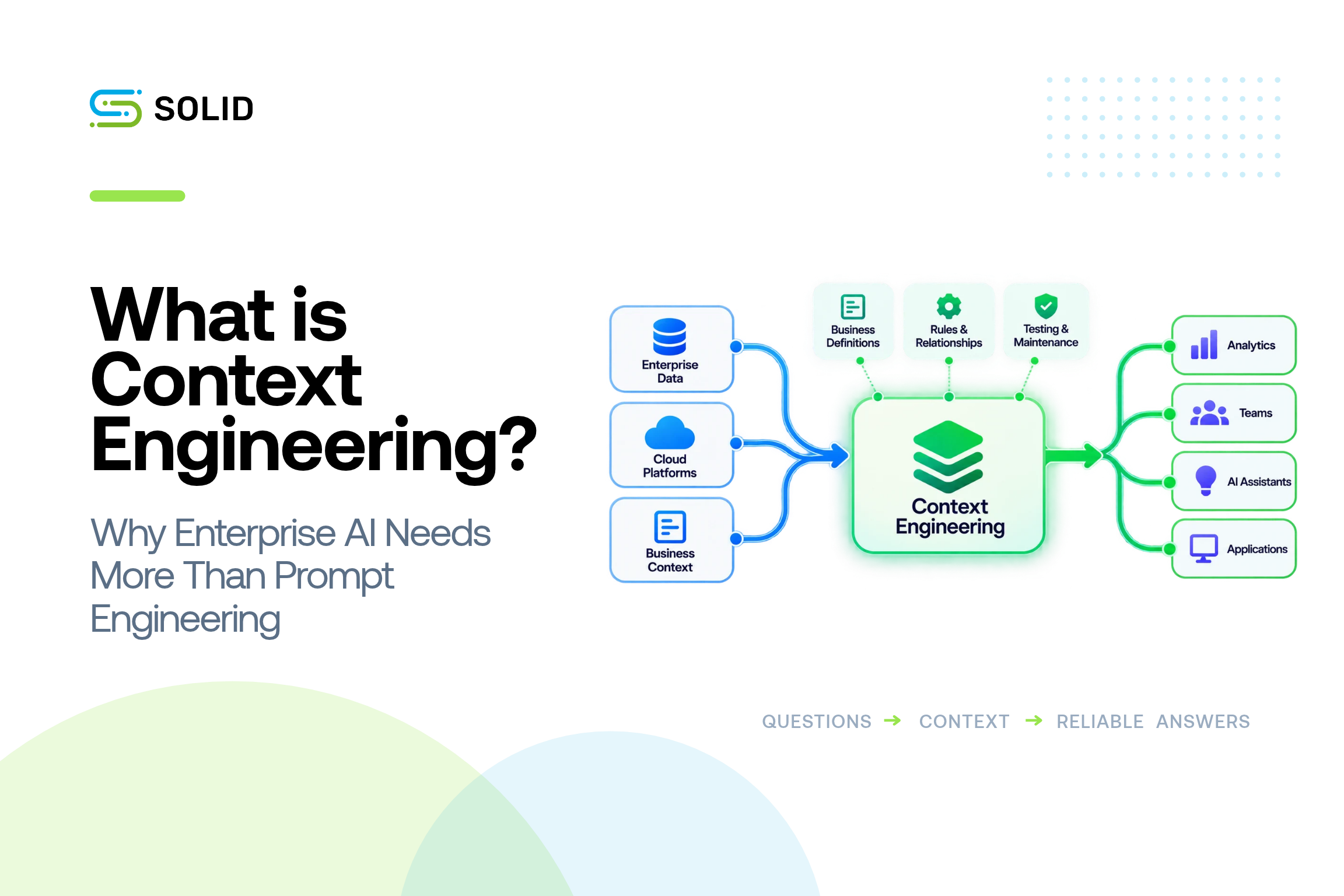
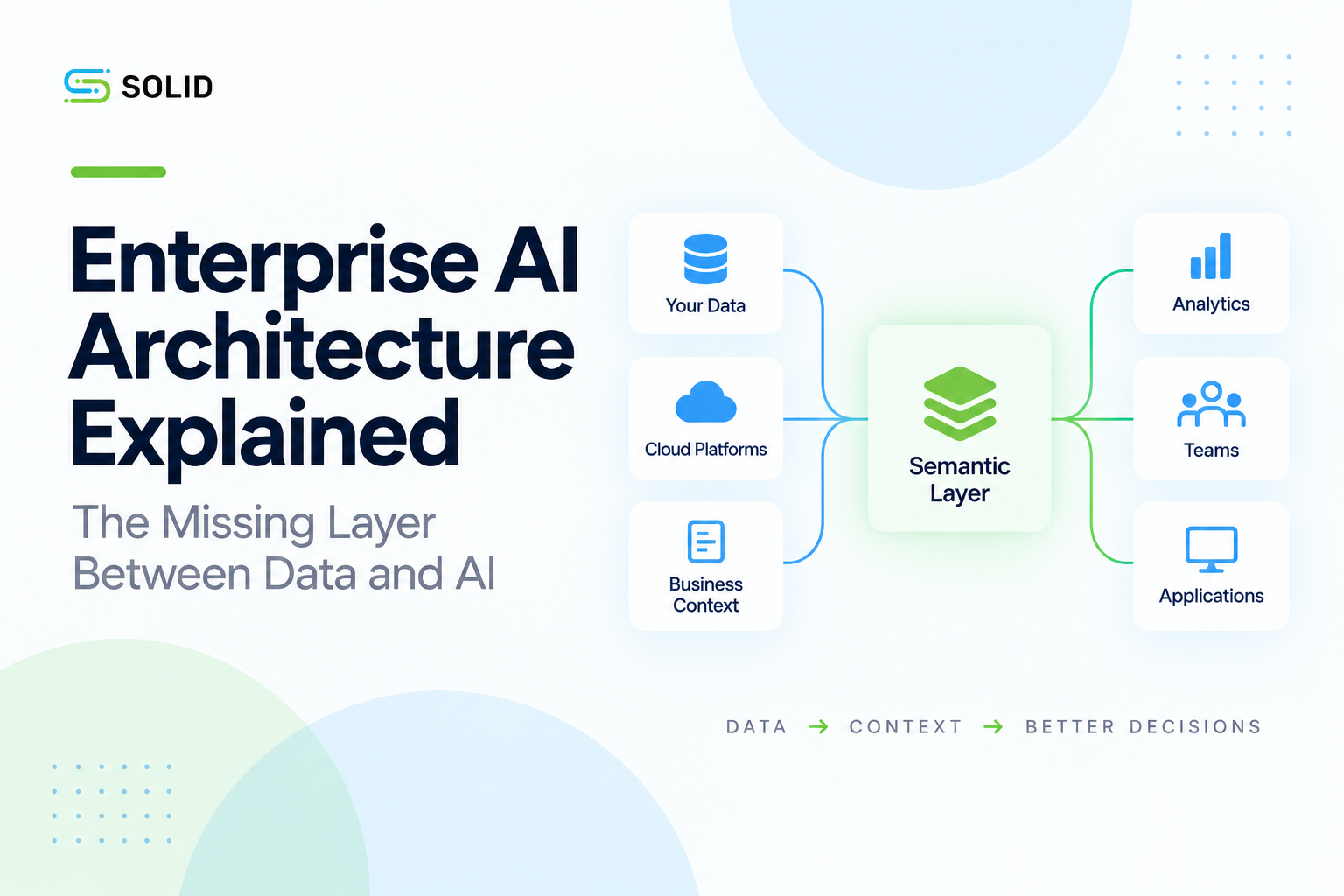
A semantic model helps define what business data means, how it connects, and which rules should be applied when using it.
For example, if Sales and Finance use different definitions of revenue, an agent needs to know which definition applies to the question it's answering.
At Solid, we automate the creation, testing, validation, and ongoing maintenance of semantic models. This helps enterprise teams give AI agents consistent business definitions and context without having to manually build and maintain everything themselves.
As enterprise data and business definitions change, Solid helps keep that context accurate and up to date.
SurveyMonkey's Nexus agent is a practical example of why this matters. Customer information was spread across nine different systems, each containing different parts of the customer relationship.
Working with Solid, SurveyMonkey built the business context connecting that information so Nexus could help Customer Success Managers understand customer activity, identify accounts needing attention, and recommend next steps.
The value isn't just bringing data together. It's making sure the agent understands what that information means and how to use it.
Data permissions matter, too
Business context isn't only about understanding the information. Agents also need to respect who is allowed to access it.
Meenal explained that SurveyMonkey's agents follow existing employee permissions. If someone isn't authorized to see certain information, the agent shouldn't be able to retrieve it on their behalf.
For enterprise teams, this is an important part of building reliable agents.
Accurate answers matter, but so does making sure information is only accessible to the right people.
What Businesses Can Take Away From These Examples
The webinar showed that companies don't need fully autonomous agents to see meaningful improvements.
SurveyMonkey is helping customer success teams reach more accounts. Blossom ABA Therapy is improving employee onboarding. Fredrik's forecasting example made deal information easier to access and act on.
Different problems, but several lessons apply across all three.
Start with a specific problem. Find a process where employees spend too much time gathering information, completing repetitive tasks, or coordinating between systems.
Understand your data. Make sure the agent has access to the right information, understands how it connects, and respects existing permissions.
Keep people involved where needed. Not every decision should happen automatically, especially when sensitive information or business risk is involved.
Test before expanding. Measure accuracy, reliability, and how often employees need to intervene.
Look at the actual business impact. Saving time matters, but so does improving customer relationships, employee experiences, and the ability to make decisions.
Moving Beyond Chat: What Businesses Should Focus On
The examples from SurveyMonkey, Blossom ABA Therapy, and Fredrik show that AI agents don't need to work independently to provide value.
What matters is starting with the right problem, making sure the agent understands the data, and keeping people involved where decisions carry risk.
For enterprise teams, that means building the right foundation before giving agents more responsibility.
The goal isn't to automate everything. It's to help people make better decisions and get more work done with information they can trust.
Watch the Full Webinar
Want to hear more about these examples?
Watch Solid's Beyond Chat With Your Data: What Are AI Agents Actually Doing? webinar with Yoni Leitersdorf, Meenal Iyer, Corey Mack, and Fredrik Lindstrom.
Hear how they're approaching AI agents, what they've learned from real implementations, and how they're deciding when agents are ready for more responsibility.
Other posts

.png)
.png)